Plate Game
The classic road-trip game, rebuilt for today.
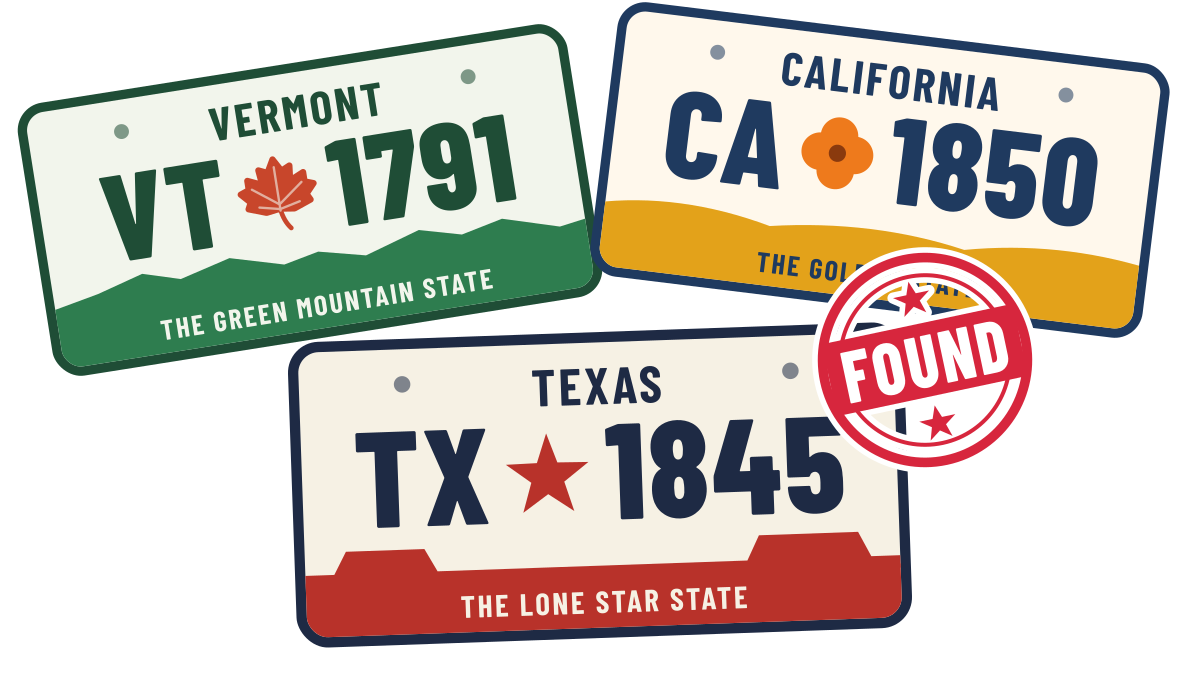
Spot license plates from all 50 states plus Washington, DC. Tap a plate to stamp it found, then see how many you can collect before you get there. No ads, no account, no tracking, and it works offline.
For iPhone and iPad.
Help
- How do I play?
- How do I start over for a new trip?
- How do I hide plates I've already found?
- What's the number on the app icon?
- Why does Plate Game ask for my location?
- I played Plate Game years ago. Where did my plates go?
- Does it need an internet connection?
- Does it have ads?
- How do I play?
Keep an eye out for license plates on the road. When you spot one from a state you haven't found yet, tap that state in the list to stamp it found. The app records the date you found it. Try to find all 50 states plus Washington, DC before the trip is over.
- How do I start over for a new trip?
Choose Start New Trip in Settings. This clears every stamp so you can start again from zero. Starting a new trip can't be undone.
- How do I hide plates I've already found?
Turn on Hide found plates in Settings. Then the list only shows the states you still need.
- What's the number on the app icon?
You can have the app icon show how many plates you've found, how many are left, or nothing at all. Choose which in Settings.
- Why does Plate Game ask for my location?
Only if you turn on distances. Plate Game uses your location to show how far away each state's capital is. Your location stays on your device and is never sent anywhere. If you'd rather not share it, the game works fine without it. To change this later, go to Settings → Privacy & Security → Location Services → Plate Game.
- I played Plate Game years ago. Where did my plates go?
If you update the app on the same device, your found plates and settings carry over to version 2.0 automatically. If you move to a new iPhone or iPad, restore it from a backup of your old device and your progress comes with it. If you deleted the app before updating, the old progress was deleted along with it, and unfortunately it can't be recovered.
- Does it need an internet connection?
No. Plate Game works fully offline, which is handy on long drives.
- Does it have ads?
No ads, no account and no tracking. Read the Privacy Policy.
Contact
Please tell us your device (for example, iPhone 15 or iPad Air) and your iOS version. You can find the iOS version in Settings → General → About.